The Parallel Story
Auditing Claude Code as a designer
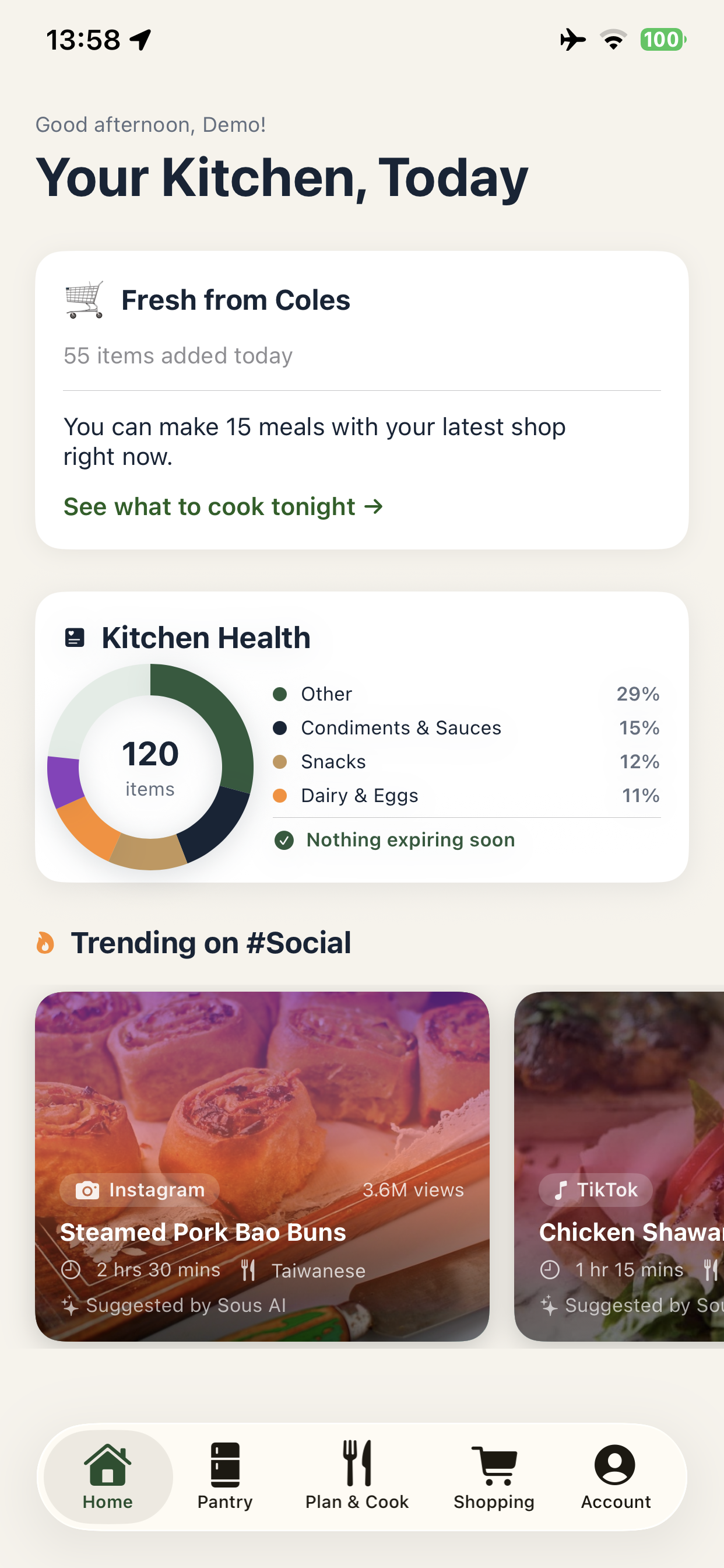
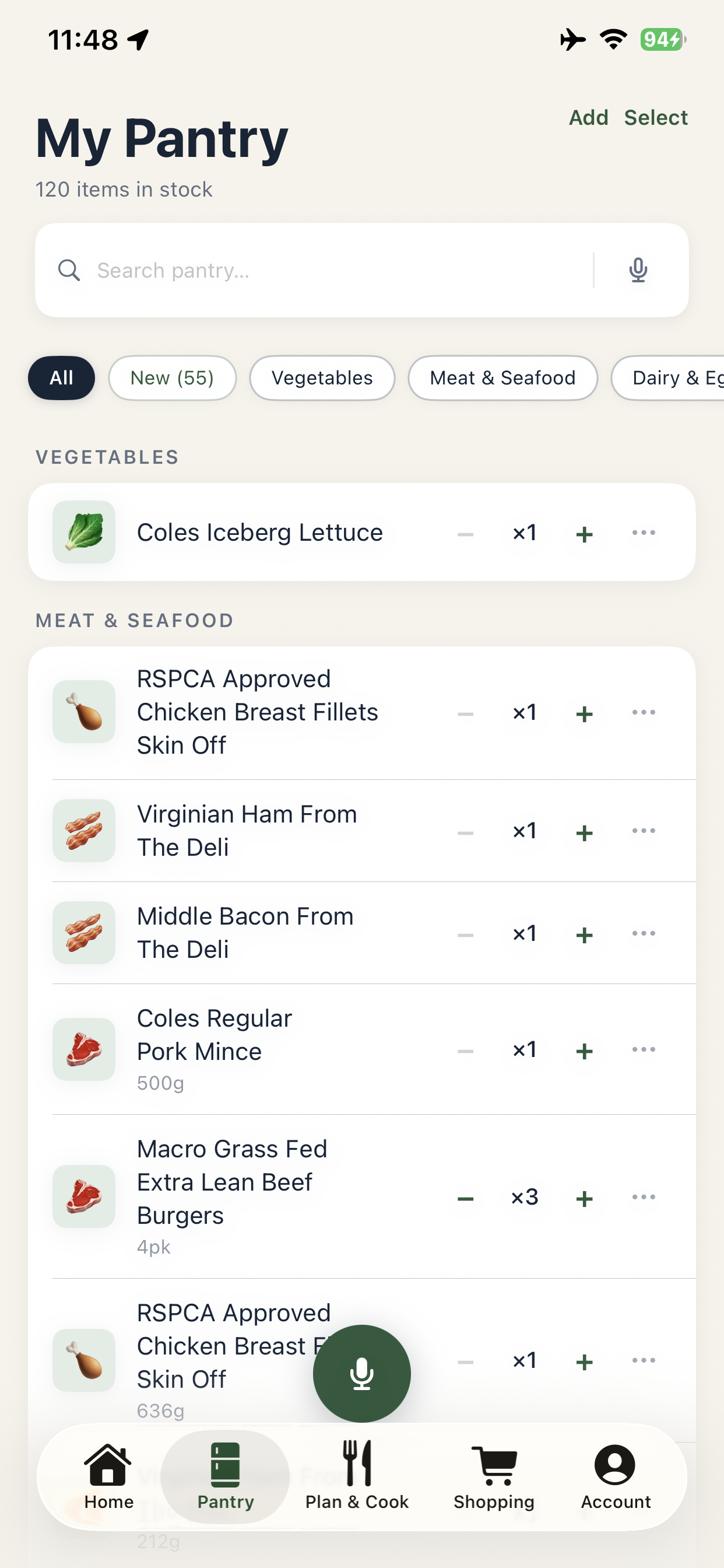
This case study is about two things: the app I was building, and the experience of building it. Every friction point I hit became a design observation. Every workaround I invented pointed to something missing.
What follows is an honest field report from a designer who spent months inside Claude Code — not as a developer, but as someone who thinks in systems, flows, and user journeys.
Chapter 01
I didn't know where to start — and nothing told me
My first session with Claude felt like every other AI chat interface. I genuinely didn't understand what Claude Code was, or how it differed from Claude Chat, or what Claude Cowork was for. Three products, one brand, almost no explanation of how they relate.
I ended up doing what no product should require: I enrolled in external courses. Online classes on vibe-coding for designers. YouTube tutorials on Cursor terminal workflows. A separate course on iOS app building with Xcode and Claude Code. Three third-party learning experiences just to understand what Anthropic's own product did.
That's not a user problem. That's an onboarding gap.
"I had to take online classes to understand what Claude Code was. That's not a user problem — that's a missing first-run experience."
For any AI tooling product, the first-session experience is the product. If a capable user needs three external courses to understand what they're using, the onboarding isn't incomplete — it's absent. This is the highest-leverage design problem in the AI tools category right now.
Chapter 02
Three platforms, one project, and a loop I couldn't escape
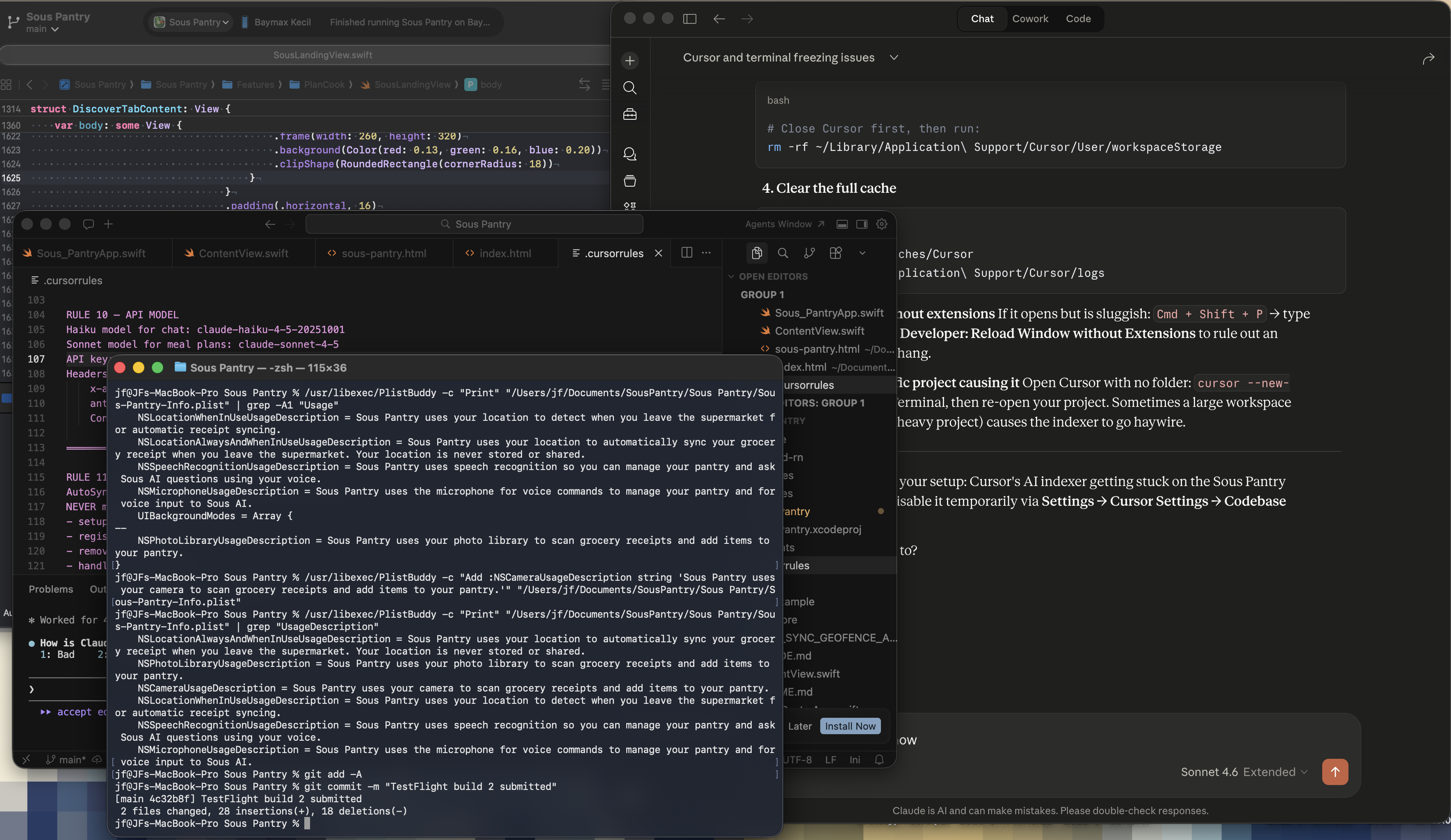
My working setup: Claude Code in Cursor's terminal, Xcode for building and running the iOS app, and Claude Chat open in a browser tab for when things broke. Three windows. Three contexts. One feature.
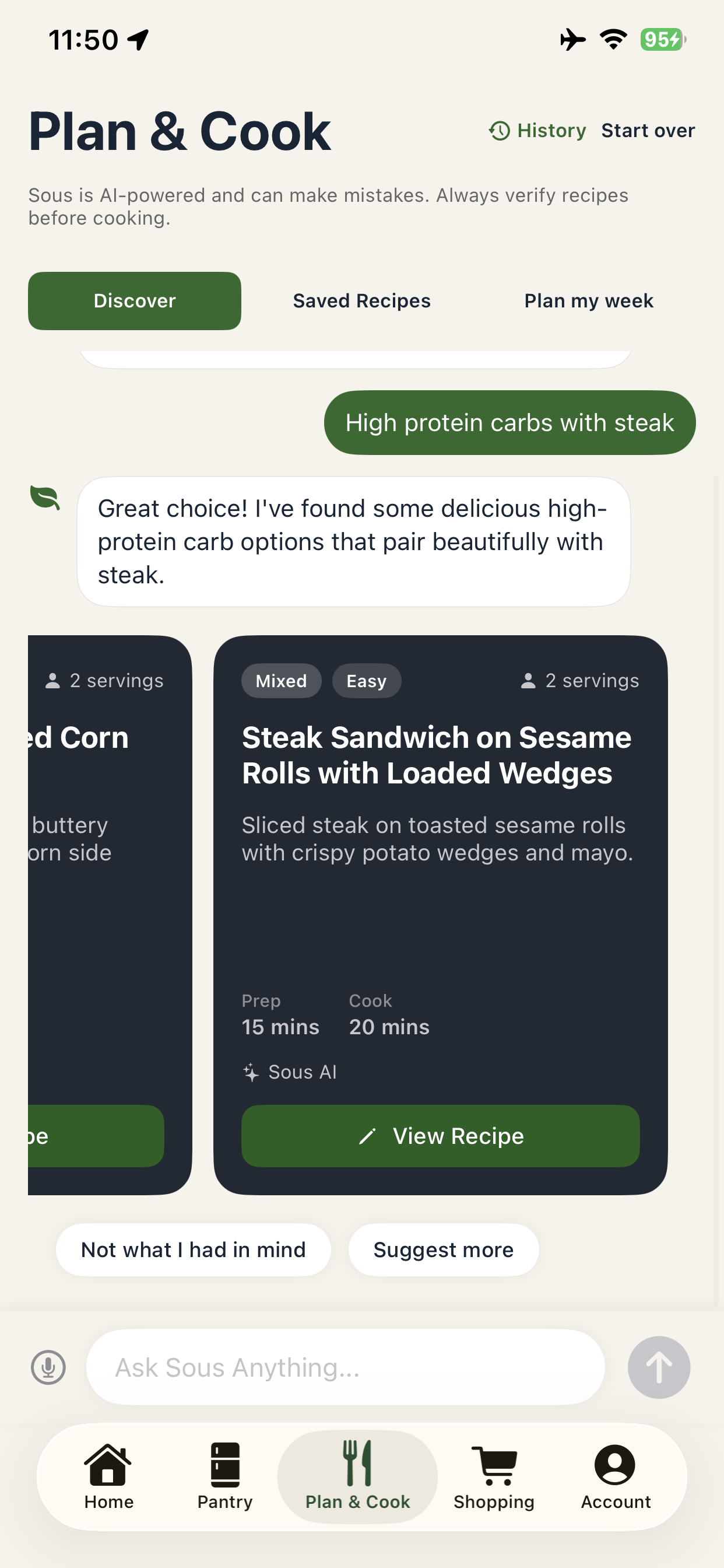
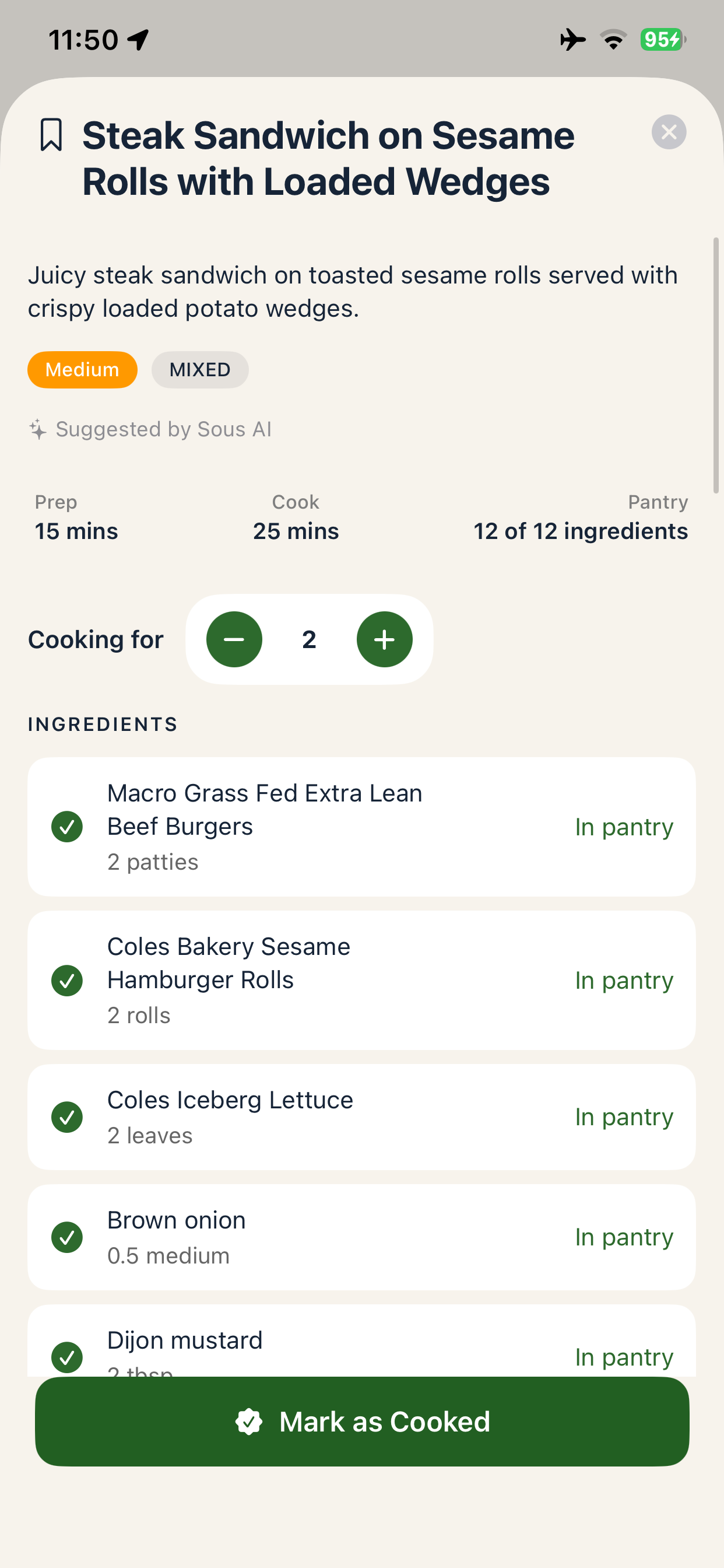
For a while it was manageable. Then I hit the Plan & Cook tab — where meal suggestions needed to match against live pantry inventory. Claude Code started looping. Builds succeeded. Outcomes didn't reflect the code. Working features got silently overwritten.
I ended up creating a .cursorrules file just to protect code that was already working — a config file acting as a guard rail against the tool I was relying on to build with. That felt backwards. Eventually the Cursor terminal degraded badly enough that I had to reset it entirely.
"I created a rules file to protect working code from the tool I was using to write it. That's a workaround. It should be a designed behaviour."
The multi-surface problem isn't unique to Claude Code. Any AI-assisted development workflow that spans more than one tool creates integration debt that the user has to carry. Designing for session continuity — keeping context alive across surfaces — is the next frontier for AI developer tools.
Chapter 03
Three models, no map
Somewhere mid-build I discovered there wasn't just one Claude — there were three. Haiku, Sonnet, Opus. Each apparently different, each with almost no explanation of what that difference meant in practice for a designer trying to ship a product.
I experimented with all three against real Sous Pantry build tasks. The differences weren't obvious enough to guide my decisions confidently. There was no moment where I thought "this is clearly an Opus problem" or "Haiku is right for this."
The auto-sync receipt feature showed this most clearly. Claude Code in Cursor built it confidently and completely. The build succeeded. It just didn't work in the real world — and the tool didn't tell me why. It built what I asked for without flagging what it couldn't do, or what constraints existed outside the sandbox.
"Cursor's Claude Code built the feature confidently. It just didn't work. Claude Code in the Claude app told me why — and that's the more valuable thing."
Model selection is becoming a core UX problem across the entire AI tools category. As capabilities diverge between models, the design challenge shifts from "how do we explain the difference" to "how do we make the right model invisible — automatically chosen based on what the user is trying to do."
Chapter 04
The moment everything clicked — accidentally
Frustrated, I typed a question directly to the model inside Cursor: "Which one are you — Chat or Code?"
It responded: Code.
That single exchange unlocked something. I'd been managing platforms, not building a product. On a hunch, I opened the Claude app directly and found Claude Code. It asked me which folder to connect to — I didn't understand why at first, but I picked one. Then I asked whether it had access to my working files.
It did. No more Cursor. Less Xcode context-switching. One surface, direct file access, a tool that reasoned with me instead of just executing for me.
The workflow I'd been trying to build across three platforms had been sitting in the Claude app the whole time. I had no way to discover it.
"I asked the AI which one it was. That one question collapsed three months of platform confusion into one clear answer. That moment should have happened in minute one — not month three."
Discovery by accident is a design failure. The most powerful capability in a tool should be the most discoverable one — not something a user stumbles into after months of frustration. Progressive disclosure, not hidden depth, is the pattern AI tooling products need to adopt.
Chapter 05
No fuel gauge — working blind on borrowed time
Every serious build session carried an invisible timer. Claude Code's usage limits reset on a rolling window, but there was no ambient signal — no progress bar, no "you've used 70% of your session" — nothing that let me plan my work around the constraint.
To check where I stood, I had to leave the build environment entirely, open the Claude Console in a separate browser tab, and manually check my usage. Half the time it hadn't updated yet. I'd go back to building, hit a wall mid-task, and only then discover the session had run out.
For a designer building complex features across iOS and Android simultaneously, this isn't just inconvenient — it breaks flow at the worst possible moment. You can't plan a build sprint around a limit you can't see.
"I had to leave my build, open a separate console page, and hope the number had updated. There's no designed feedback loop for something that directly controls how much you can work."
Usage limits are a business reality for AI products. But an invisible constraint is a broken experience. Every AI tool with a usage model needs a designed feedback loop — one that helps users plan their work around the constraint rather than discover it mid-task.
Chapter 06
Fixing errors across four tools — a workflow I built by accident
When something broke in Claude Code inside Cursor, there was no designed path to resolution. The error existed in one place. The fix required four.
My accidental workflow: read the error in Cursor, manually copy it into a bash command in Terminal to inspect the exact line, switch to Claude Chat in a browser tab to get a plain-language explanation of what went wrong, then jump to Xcode to test whether the fix actually held.
Cursor → Terminal → Claude Chat → Xcode. Four context switches for one error. None of these tools knew about each other. None of them shared state. I was the integration layer, manually carrying information between surfaces that should have been connected.
The irony: I was using Claude Chat — a completely separate product — to debug work I was doing in Claude Code. The answer was always in the same model. The experience forced me to bounce between products to access it.
"I was the integration layer between four tools that didn't talk to each other. That's not a workflow — that's a workaround wearing a workflow's clothes."
The error-resolution workflow is where AI tooling products lose their most motivated users. When the fix to a problem requires four context switches, the tool has failed — not the user. AI-native development tools need to own the full error lifecycle — from detection to explanation to resolution — without exporting that burden to the user.
Chapter 07
The non-developer path doesn't exist — so the market built one
When I started, I had something most beginners don't: a design background, some understanding of codebases, and access to ADPList's AI Designer School — one of the few communities specifically teaching designers how to use tools like Claude Code. Without that, I genuinely don't know where I would have started.
That's the gap. There is no designed pathway inside Claude Code for someone who wants to build but doesn't think in terminals. No guided mode. No "start here if you're not an engineer." Nothing that says: here's what's possible for you, here's where to begin, here's what each tool is for.
The market has noticed. Replit, Lovable, Framer, Bolt — these platforms exist precisely because this gap is real. They've built the on-ramp that Claude Code hasn't. I tried Replit to test this firsthand. The experience was more approachable — until the paywalls arrived. Every meaningful action required an upgrade. The accessibility was a funnel, not a philosophy.
Claude Code is more powerful than any of them. But power without a designed entry point for non-engineers means the audience self-selects to people who already know how to start. That's a significant segment left behind.
"Replit, Lovable, Framer exist because Claude Code hasn't designed for the person who wants to build but doesn't speak terminal. That's not a criticism — it's the next design brief."
Every AI coding tool faces the same strategic question: who is this for? The answer shapes everything — onboarding, interaction model, error language, session design. Tools that default to developers will keep developers. Tools that design for the builder who doesn't speak terminal will define the next wave of AI-native creation.